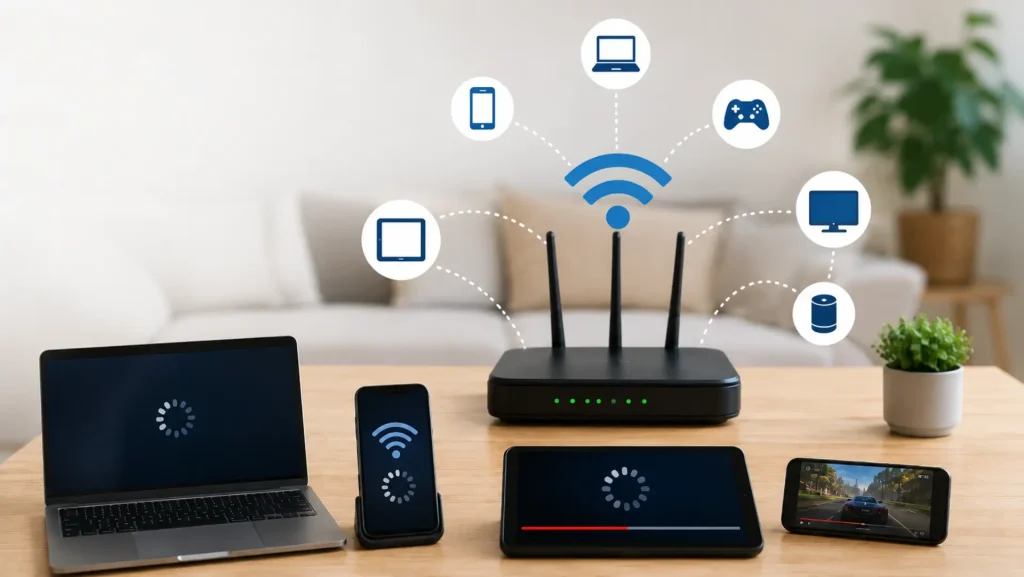
Smart lights, cameras, speakers, plugs, thermostats, and sensors can behave unpredictably when the network reaching them is weak or congested. Slow responses don’t always mean the device itself is defective. Before replacing hardware, check signal strength, router placement, interference, network capacity, and whether the device supports the Wi-Fi band you’re trying to use.
Start With Router Placement
A router hidden behind furniture, sitting on the floor, or placed at one far end of a home may struggle to provide consistent coverage everywhere. Central, open placement often gives wireless signals a clearer path to distant rooms.
While general technology reading can offer ideas, every building behaves differently. Concrete, masonry, metal, mirrors, appliances, and multiple walls can weaken or reflect wireless signals, so test devices where they are actually installed.
Check Bands and Network Compatibility
Many smart-home products use 2.4 GHz Wi-Fi because it generally reaches farther and works well for devices that don’t need high data speeds. Some products also support 5 GHz or newer standards, but compatibility varies.
Before changing router settings, read the device manufacturer’s instructions. People using broader digital references may encounter advice that assumes different hardware, so confirm which wireless bands and security settings your device actually accepts.
Separate Connection Problems From Device Problems
Test whether the problem affects one device or several devices in the same area. If multiple products disconnect in one room, coverage is a stronger suspect than simultaneous hardware failure.
If only one product fails while nearby devices remain stable, restart it, check its firmware and app, confirm credentials, and follow the manufacturer’s troubleshooting process.
Extend Coverage Where It Is Actually Needed
Moving the router may solve a small coverage gap, but larger homes sometimes need additional access points or a mesh system. Wired Ethernet backhaul can also improve consistency where suitable cabling already exists.
Don’t add extenders blindly. Placing an extender where the original signal is already extremely weak may simply repeat a poor connection. Use independent online material for background reading while relying on your equipment documentation for configuration details.
| Symptom | Possible Network Cause | Useful Check |
|---|---|---|
| Device often offline | Weak signal | Test closer to router |
| Slow commands | Congestion or poor coverage | Compare different locations |
| Setup repeatedly fails | Band or security mismatch | Check compatibility |
| One room has issues | Coverage dead zone | Review access-point placement |
Common Networking Mistakes
More equipment isn’t automatically better. Several poorly positioned extenders can create confusing network behavior without fixing the original coverage problem.
Another mistake is changing many router settings at once. If the devices stop working, it becomes difficult to identify which change caused the problem. Adjust one variable, test it, and keep a record of settings that worked.
Also check whether a device is simply too far from the router because of its installed location. Outdoor cameras, garage controllers, and doorbells often sit beyond the strongest indoor coverage.
Frequently Asked Questions
Why does my smart device work near the router but not elsewhere?
That pattern strongly suggests a coverage problem. Walls, distance, building materials, and interference can reduce signal strength. Improving router or access-point placement may help more than repeatedly resetting the device.
Should smart devices use 2.4 GHz or 5 GHz Wi-Fi?
It depends on the product. Many smart devices support 2.4 GHz, while others also support 5 GHz. Check the manufacturer’s specifications rather than assuming both bands are available.
Will a mesh network fix every smart-device problem?
No. Mesh can improve coverage, but it won’t correct incompatible Wi-Fi settings, incorrect credentials, defective hardware, software bugs, internet outages, or devices placed beyond the mesh system’s useful range.
Strengthen the Network Before Replacing Devices
Intermittent smart-home problems often become easier to diagnose when you separate coverage issues from hardware issues. Test signal performance near the router, confirm device compatibility, improve placement, and add network equipment only where a real coverage gap exists. Controlled troubleshooting is usually more effective than resetting every device or replacing equipment at random.