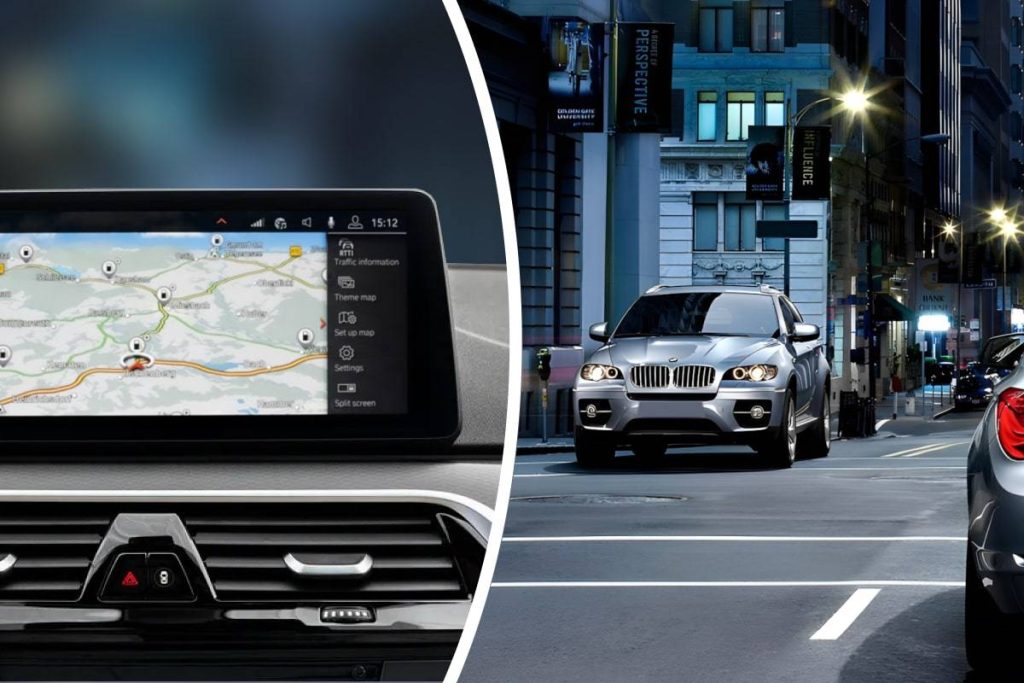
Navigation system errors can come from outdated map data, poor GPS reception, incorrect location settings, or an infotainment software fault. Start by checking whether the problem affects position, routing, or map information. That distinction prevents you from treating every navigation error as the same problem.
Identify What the Navigation System Is Getting Wrong
A car showing the wrong road may have outdated map data, while a vehicle marker that jumps across the screen can point toward a GPS reception problem. Incorrect routes can also result from route preferences such as avoiding highways or toll roads.
Restart the infotainment system before making deeper changes. Temporary software errors can disappear after a proper reboot.
Drivers researching broader vehicle maintenance may encounter automotive repair reading, but navigation diagnosis works best when the exact error is identified first.
Refresh Maps and Location Settings
Built-in navigation systems may require periodic map updates. Check the vehicle manufacturer’s instructions for supported update methods, required storage media, subscriptions, or software versions.
Phone-based navigation depends heavily on location permissions and mobile software. If the problem occurs only through a connected phone, verify precise location access and compare the phone’s position outside the vehicle.
| Navigation Error | Possible Source | Useful Test |
|---|---|---|
| Missing new roads | Old map data | Check map version |
| Vehicle icon jumps | GPS reception | Test in open area |
| Strange route | Route preferences | Reset route options |
| Wrong phone position | Location settings | Check precise location |
Separate GPS Problems From Map Problems
GPS tells the system where the vehicle is. Map data tells it what roads and destinations exist. A perfect GPS signal cannot add a newly constructed road to an outdated map database.
People learning about changing dashboard technology may browse automotive technology material while comparing different systems. For troubleshooting, observe whether the location marker itself is wrong or whether the map information around it is outdated.
Testing in an open area can help because tall buildings, covered parking structures, and tunnels may temporarily reduce satellite visibility.
Check for Antenna and Electrical Issues
If the vehicle consistently loses position under clear skies, hardware deserves more attention. The GPS antenna, antenna cable, infotainment unit, or related connection may be damaged or disconnected.
Problems that appeared after dashboard work can be especially relevant because trim removal may disturb connectors. General vehicle wiring material may provide wider electrical context, although model-specific service information is needed before accessing hidden components.
A low battery or electrical interruption can also reset stored navigation settings. Restore basic settings before assuming an antenna has failed.
What Navigation Errors Don’t Automatically Mean
A wrong route does not necessarily mean the GPS receiver is defective. Traffic data, map age, route preferences, road closures, and temporary software errors can all change what the system displays.
The same applies to occasional position loss in a tunnel or parking garage. The more useful clue is repetition under normal open-sky driving conditions. Persistent errors are more meaningful than isolated ones.
Frequently Asked Questions
Why does my car navigation show the wrong location?
Temporary GPS signal loss, antenna problems, software errors, or incorrect phone location settings can all cause positioning mistakes. Test the system outdoors in an open area and restart it before considering hardware repairs.
How do I know if my navigation maps are outdated?
Missing roads, old business locations, changed highway exits, or incorrect road layouts can suggest old map data. Check the installed map version and compare it with the latest version offered for your vehicle.
Can a weak car battery affect navigation?
Low voltage or battery replacement may reset settings or cause electronic modules to restart. If navigation problems appeared after a battery event, check saved settings and other infotainment functions before assuming the GPS hardware is damaged.
Match the Fix to the Type of Error
Start by deciding whether the system has a position problem, map-data problem, or routing problem. Refresh settings and map information before replacing components. Persistent location errors that remain outdoors after software checks may justify inspection of the GPS antenna, wiring, or infotainment hardware.