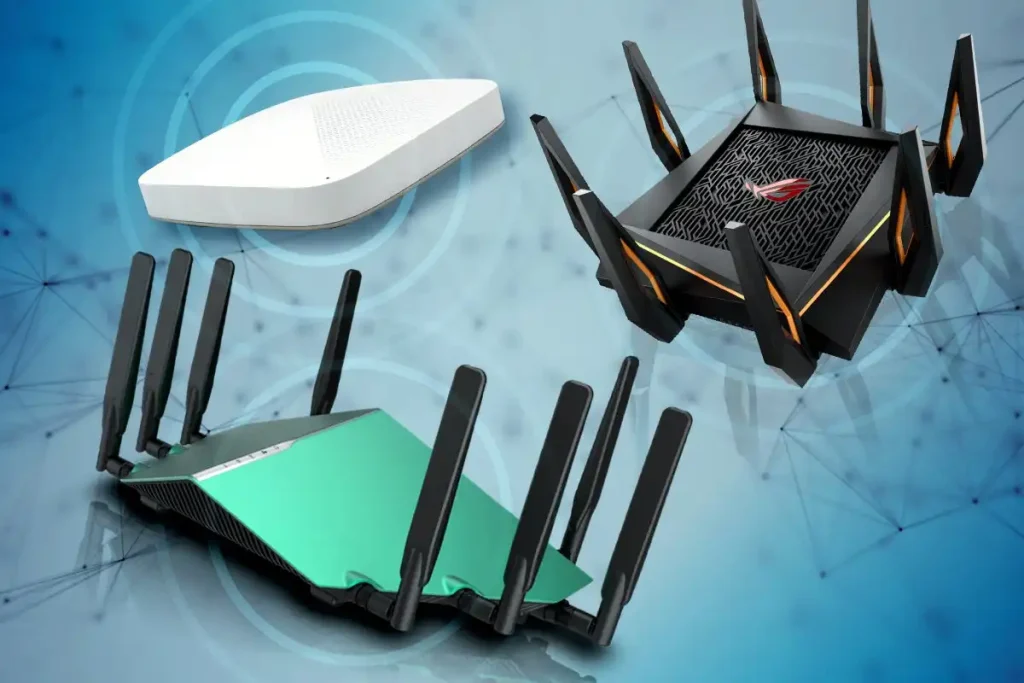
Weak internet security often starts at the router because every connected device depends on it. Improving the administrator password, Wi-Fi encryption, firmware, network name, and remote-access settings can reduce avoidable exposure without replacing the router or rebuilding the home network.
Secure the Administrator Account First
The router’s administrator password controls configuration access. It should be different from the password used by phones, email accounts, social platforms, or the Wi-Fi network itself.
Replace any unchanged default credentials with a long, unique password. People reading general technology resources may encounter many security suggestions, but protecting administrative access is a sensible first move because those settings control the network.
Don’t Confuse Wi-Fi and Admin Passwords
Your Wi-Fi password allows devices to join the wireless network. The administrator password allows someone to change how the router operates.
Treat them as separate credentials. Reusing one password for both weakens that separation.
Use Current Wi-Fi Protection
Check the router’s wireless security mode. WPA3 is preferable when the router and connected devices support it, while WPA2 remains common on older equipment.
Avoid intentionally enabling outdated protection simply to accommodate a forgotten device. Broader technology reading may help users understand changing terminology, but your router manufacturer should remain the primary reference for settings available on your exact model.
| Setting | Weak Choice | Better Direction |
|---|---|---|
| Admin password | Default credential | Unique strong password |
| Wi-Fi password | Short shared phrase | Long unique phrase |
| Encryption | Outdated mode | WPA3 or suitable WPA2 |
| Firmware | Never checked | Keep supported version updated |
Update Firmware and Remove Features You Don’t Need
Router firmware can contain security fixes as well as performance changes. Open the official administration interface or manufacturer app and check whether automatic updates are available.
Also review optional services. Remote administration, unnecessary port forwarding, older compatibility features, and functions you never use don’t need to remain active merely because they were enabled previously. People using online reference collections for broader research should still confirm router-specific instructions through the manufacturer.
Create a Guest Network When Useful
A guest network can keep visitors’ devices separate from the main wireless network on routers that support proper isolation.
Some households also place smart-home devices on a separate network. The exact benefit depends on how the router implements guest access and device isolation, so check the available controls instead of assuming the label alone guarantees separation.
Security Changes That Can Backfire
Changing every advanced setting at once can make troubleshooting difficult. If the network stops working, you may not know which change caused the problem.
Another common mistake is downloading unofficial firmware or following model-specific instructions written for different hardware. Router interfaces can vary significantly even within one brand. Make one change at a time, record important settings, and use the manufacturer’s documentation before altering unfamiliar networking features.
Review Connected Devices
Most modern router interfaces provide a list of connected or recently connected devices. Review that list occasionally and identify equipment you recognize.
An unfamiliar label isn’t automatically an intruder; phones, televisions, printers, and smart devices sometimes appear under manufacturer names or generic identifiers. Investigate carefully before blocking devices, and change the Wi-Fi password if unauthorized access is confirmed or strongly suspected.
Frequently Asked Questions
Should I hide my Wi-Fi network name?
Hiding the SSID provides little practical protection by itself because wireless network activity can still reveal that a network exists. Strong encryption, suitable passwords, current firmware, and protected administrator access matter more.
How often should a router password be changed?
There is no need to change a strong unique password on an arbitrary schedule unless your organization requires it. Change it promptly if it has been exposed, reused elsewhere, shared inappropriately, or may have been compromised.
Does resetting a router improve security?
A factory reset can remove unwanted configuration changes, but it also erases legitimate settings. After a reset, security depends on how the router is configured again, including passwords, encryption, firmware, and unnecessary services.
Make the Router Harder to Misuse
Start with the controls that matter most: protect administrator access, use appropriate wireless encryption, install legitimate firmware updates, and switch off features you don’t require.
You don’t need to alter every advanced menu. A smaller number of well-understood security settings is more useful than a complicated configuration you cannot maintain.